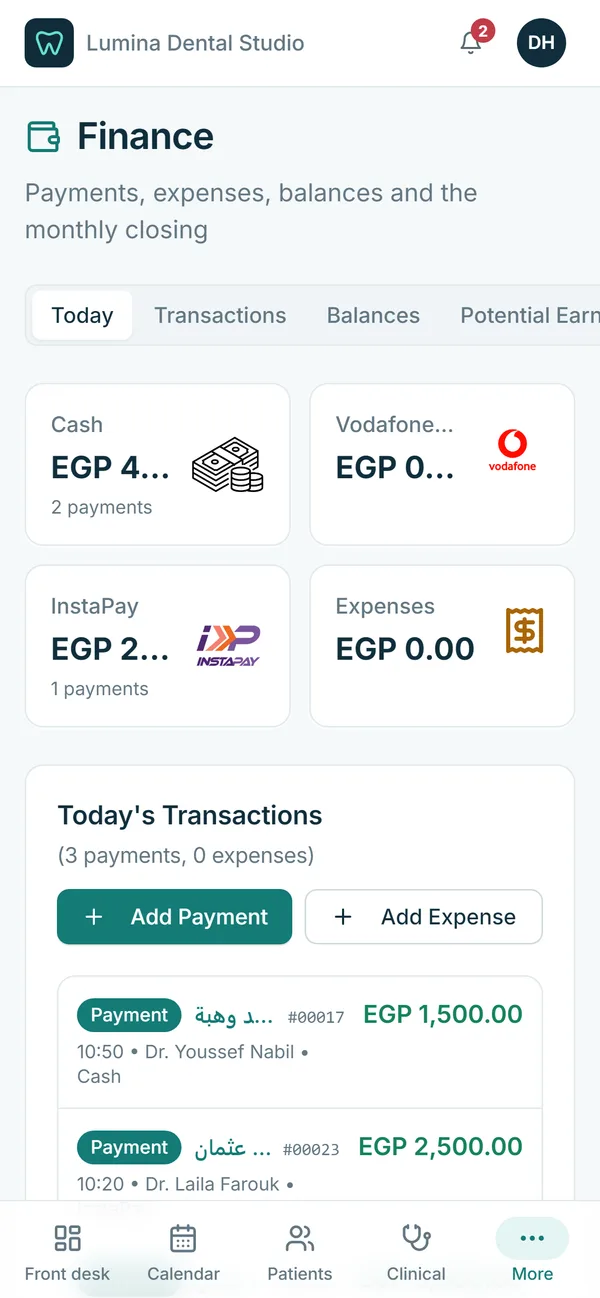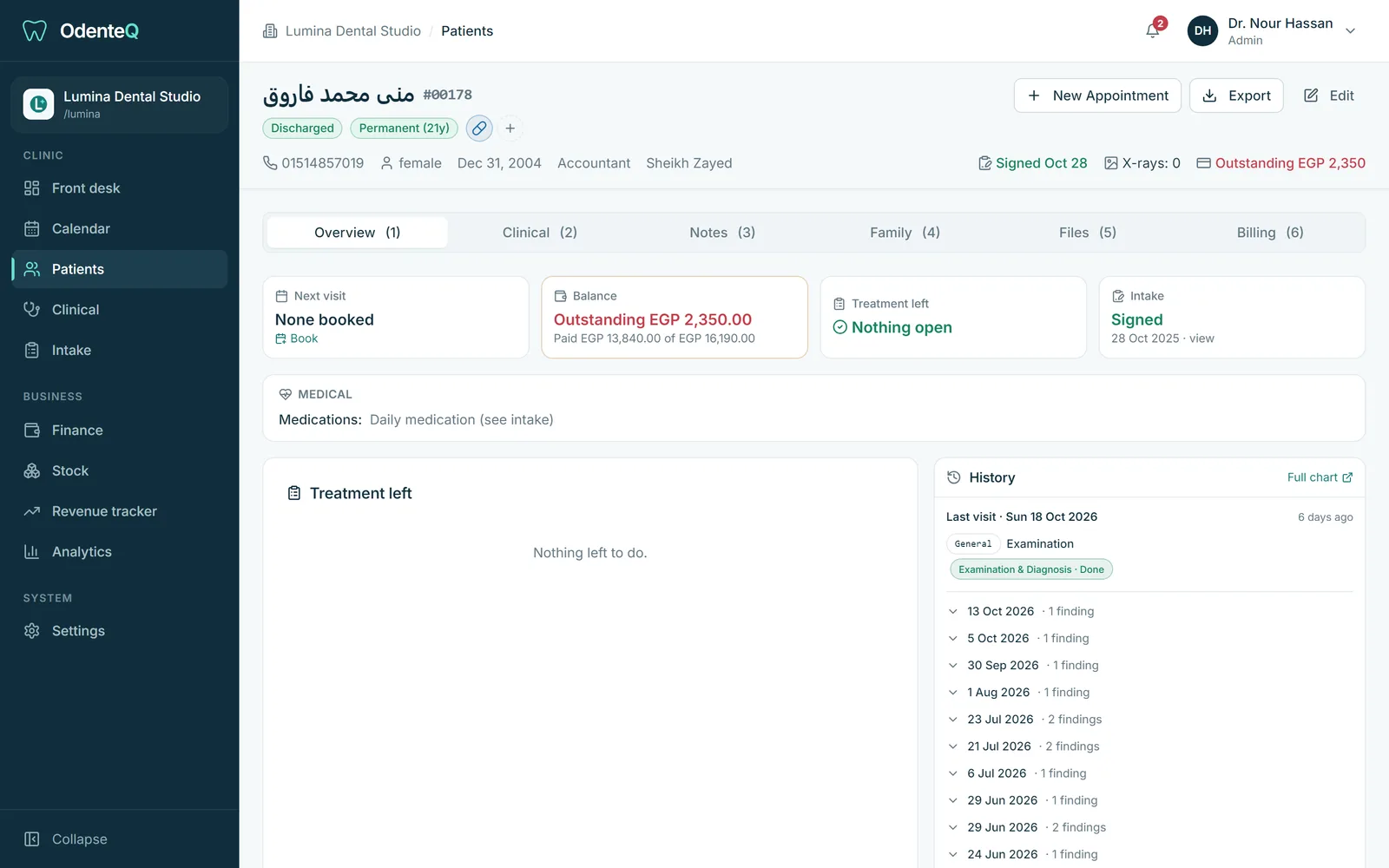
The most important things first
Open a patient and the top of the page answers the questions you have: when is the next visit and is it confirmed, how much do they owe, how much treatment is left, and did they sign their medical history. Medical warnings such as allergies, medicines and smoking are written out, not hidden in a tab.
Medical history without paper
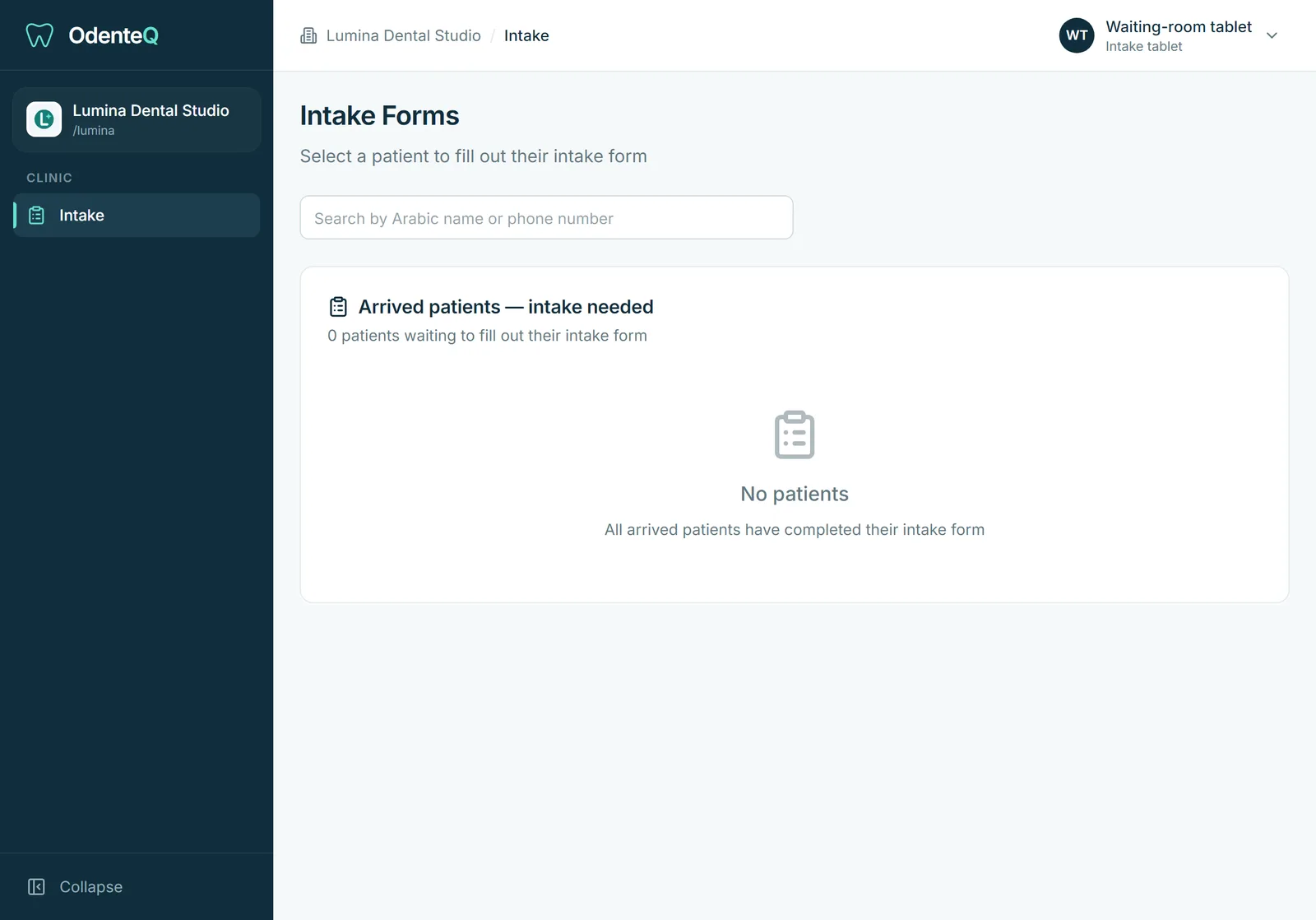
Patients fill in the medical history form on a tablet in the waiting room and sign it with a finger. You decide the questions, in Arabic and English. Answers such as diabetes, heart conditions or a penicillin allergy become alert icons that show on the patient file and on the chair screen.
Visit timeline and chart
The clinical tab shows the chart and every visit, newest first: findings, surfaces, X-ray flags, notes and every treatment with its status, price and date. Doctors can correct or add to any visit.
Files, X-rays and 3D scans
Upload X-rays, photos and documents. Intraoral scans in STL and PLY open in a 3D viewer in the browser. Prescriptions and exported PDFs are saved here too.
Notes and family
Every note about the patient in one list: general notes, booking notes, finding notes and treatment comments. Link family members (parents, children, husband and wife) so reception sees the whole family.
Export when you need it
Export a patient file to PDF in Arabic or English. Your data is yours: you can export your patients whenever you want.
Who sees what
Each role sees only what you allow. The activity log shows who changed what, and when.