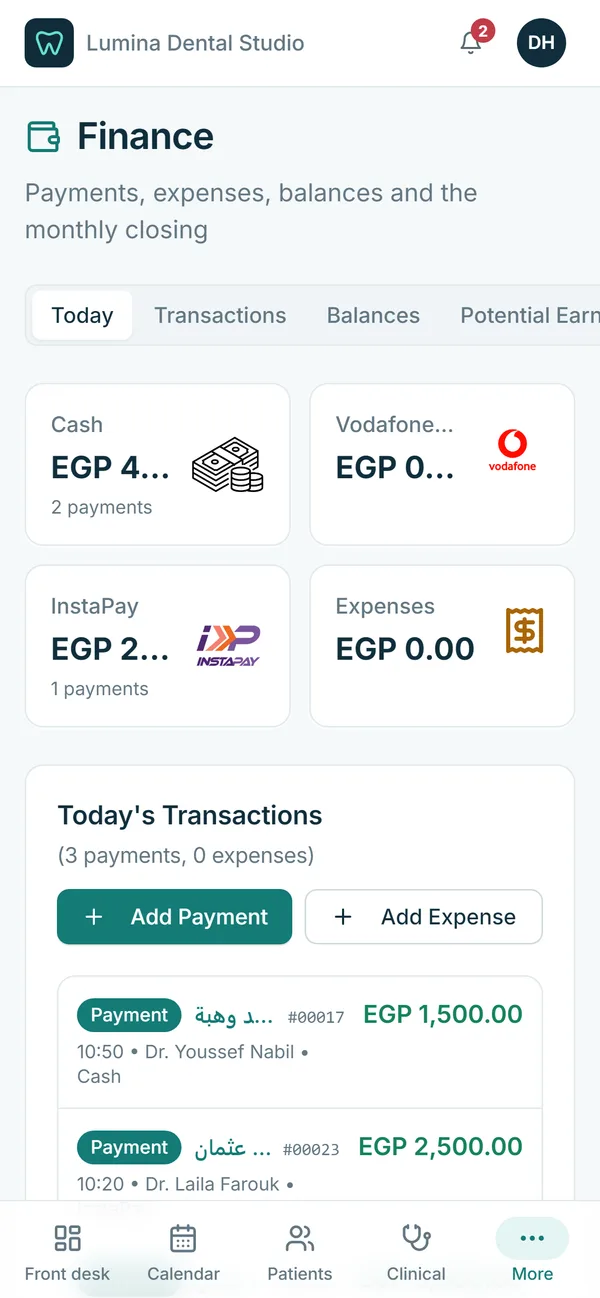
Side by side
| Paper files | Excel | Dental software | |
|---|---|---|---|
| Find a patient | Search the cabinet | Search one file, if it is up to date | Search by name, phone or file number on any device |
| Allergy warnings | Only if someone reads the file | No | Shown as alerts on every screen |
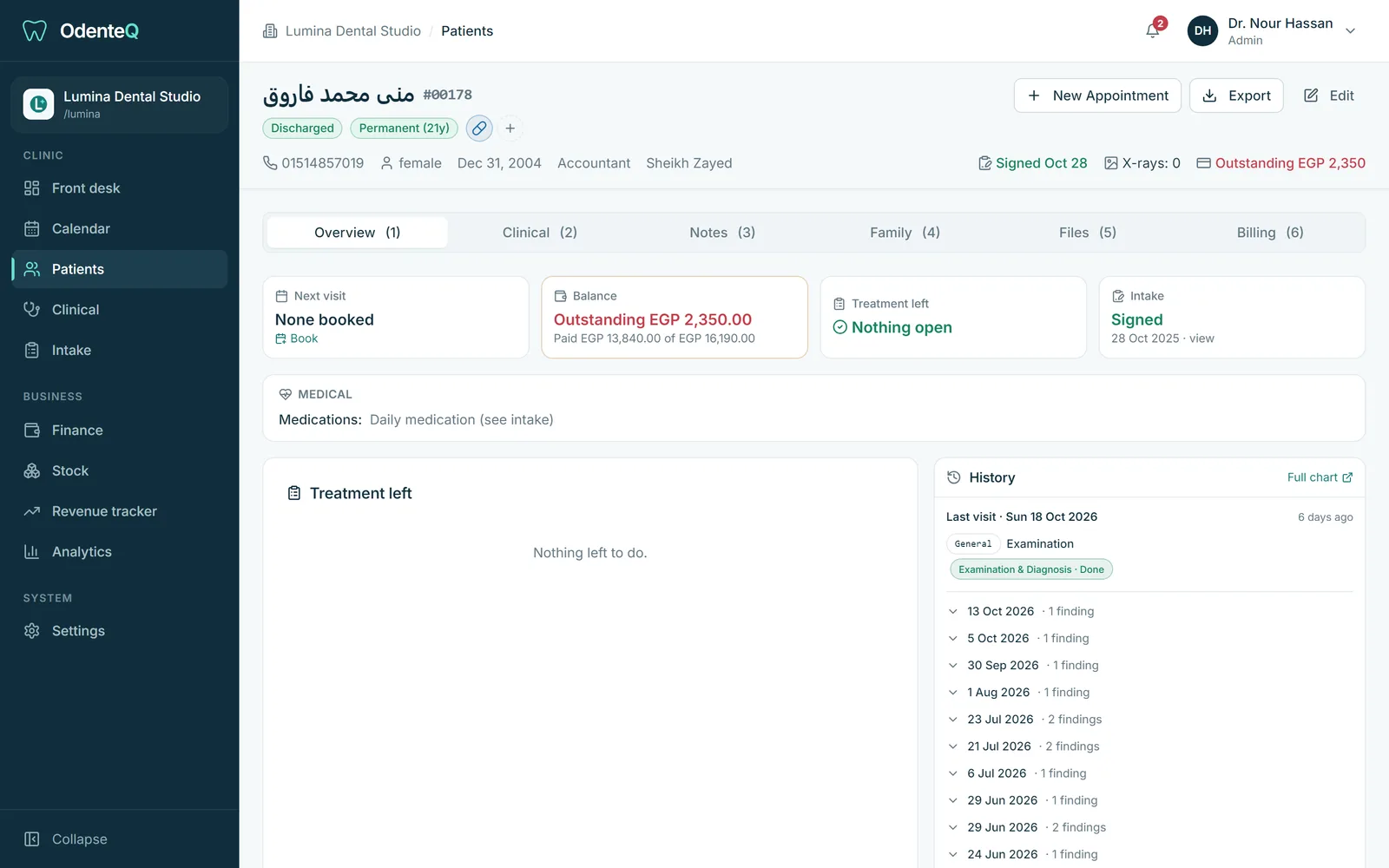
| Unfinished treatment | Forgotten when the patient does not call | Only if someone checks | Carried over and flagged at checkout |
| Instalments and balances | Notebook per patient | Formulas that break | Running balance per doctor |
| Doctor commissions | Calculated by hand every month | One sheet per doctor, easy to get wrong | Calculated from real payments, with the list behind it |
| Several people at once | One file in one place | Copies overwrite each other | Everyone live on the same data |
| Backups | None | If someone remembers | Handled for you in cloud software |
| X-rays and photos | Envelopes or phones | Not really | Attached to the patient and the tooth |
| Owner’s view | Guesswork | Hours of work | Reports in seconds |
The hidden costs of paper and Excel
- Unbilled work. A filling done but never written on the bill. Small amounts every day add up to a lot every month.
- Lost follow-ups. A patient who started a root canal and never came back for the crown.
- No-shows. Without a confirmation list, nobody calls tomorrow’s patients.
- Payout disputes. Every month, an argument about which payments count and which lab fees came off.
- Lost or unreadable records. Water damage, a missing page, a doctor’s handwriting.
- Owner time. Evenings spent adding up notebooks instead of resting or treating patients.
When Excel is enough
A very small clinic with one doctor, few patients and simple cash payments can survive on Excel for a while. The moment you have a second doctor, instalments, a lab or a receptionist, the spreadsheet becomes a risk.
How to move from paper to software
- Start with the future, not the past. Enter upcoming appointments first. Reception needs them on day one.
- Import patients and balances. A good provider imports your patient list and open balances from Excel. Old paper files can be added as patients come back.
- Keep paper for a short overlap. Scan important old records and attach them to the patient file when the patient returns.
- Train by role. Reception, assistants and doctors need different training.
- Close the first month together with the provider’s support team, so the first doctor payouts are right.
Try it on a sample clinic
OdenteQ imports your patients and balances during setup and trains your team. Book a demo to see a full day of a sample clinic: front desk, charting, payments and the monthly closing.
Questions
Is it hard to move a dental clinic from paper to software?
Not if you do it in steps: enter future appointments first, import the patient list and balances, add old paper records as patients return, and train each role separately.
Can I keep using Excel for some things?
You can export data from good dental software to Excel whenever you want. But bookings, charts, payments and payouts should live in one system so they stay connected.