Talk to OdenteQ
Tap Assistant in the top bar, then tap the microphone and speak, or type. For example:
- "Book Ahmed Magdy on the 25th at 5 for a follow up with Dr. Karim"
- "Check in Mona with Dr. Karim"
- "Add caries on 36 MOD, composite"
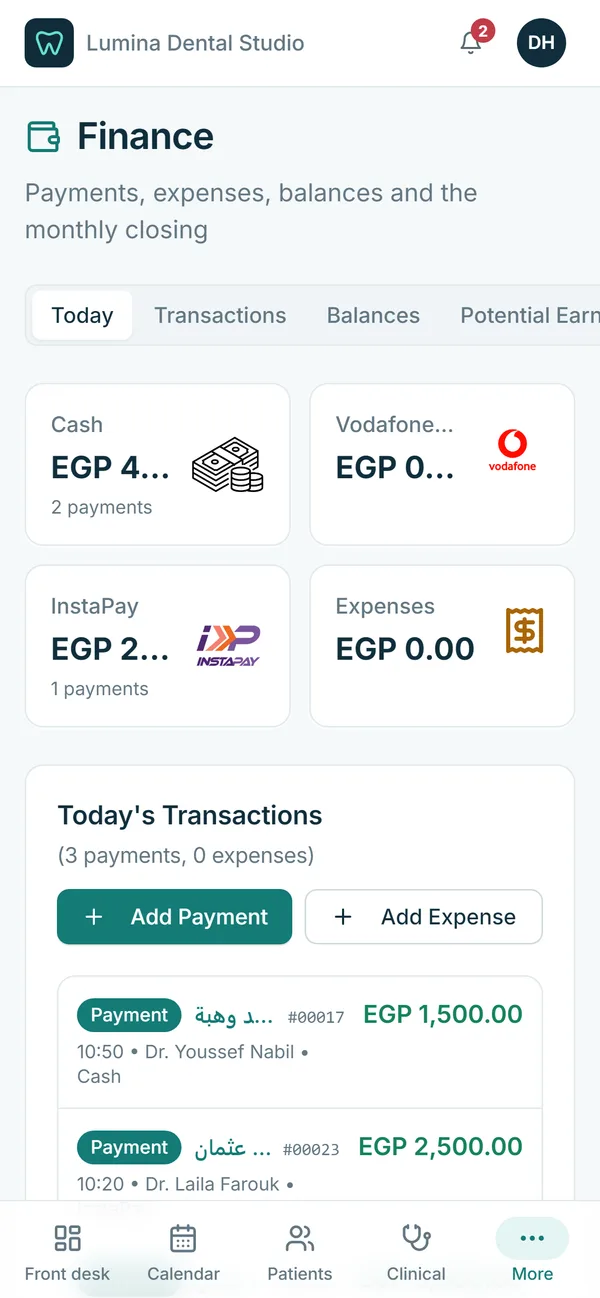
- "How much did we collect today?"
- "Who is waiting now?"
It prepares, you confirm
The assistant fills in the right form: a booking, a check-in, a new patient, a payment, an expense, a finding with its treatment, or a prescription. The form opens ready, and the person checks it and presses save. The usual rules apply, so double bookings, wrong teeth and past dates are caught first.
It understands the clinic
It finds patients by name even with different spellings in Arabic or Latin letters, and asks when two patients have the same name. It knows your doctors, visit reasons, treatments, medicines, payment methods and expense categories. Teeth can be said in FDI (36) or as LL6. On a patient file, "this patient" is understood.
Safe by design
The assistant can only use a fixed list of actions. It never changes the database itself or runs code. Each action also needs the person’s normal permission, so reception cannot do through the assistant what they cannot do on the screen. Every request is logged.
Answers too
Ask about a patient, a day’s schedule, the waiting room, prices in your catalog, or today’s takings if you are allowed to see money.